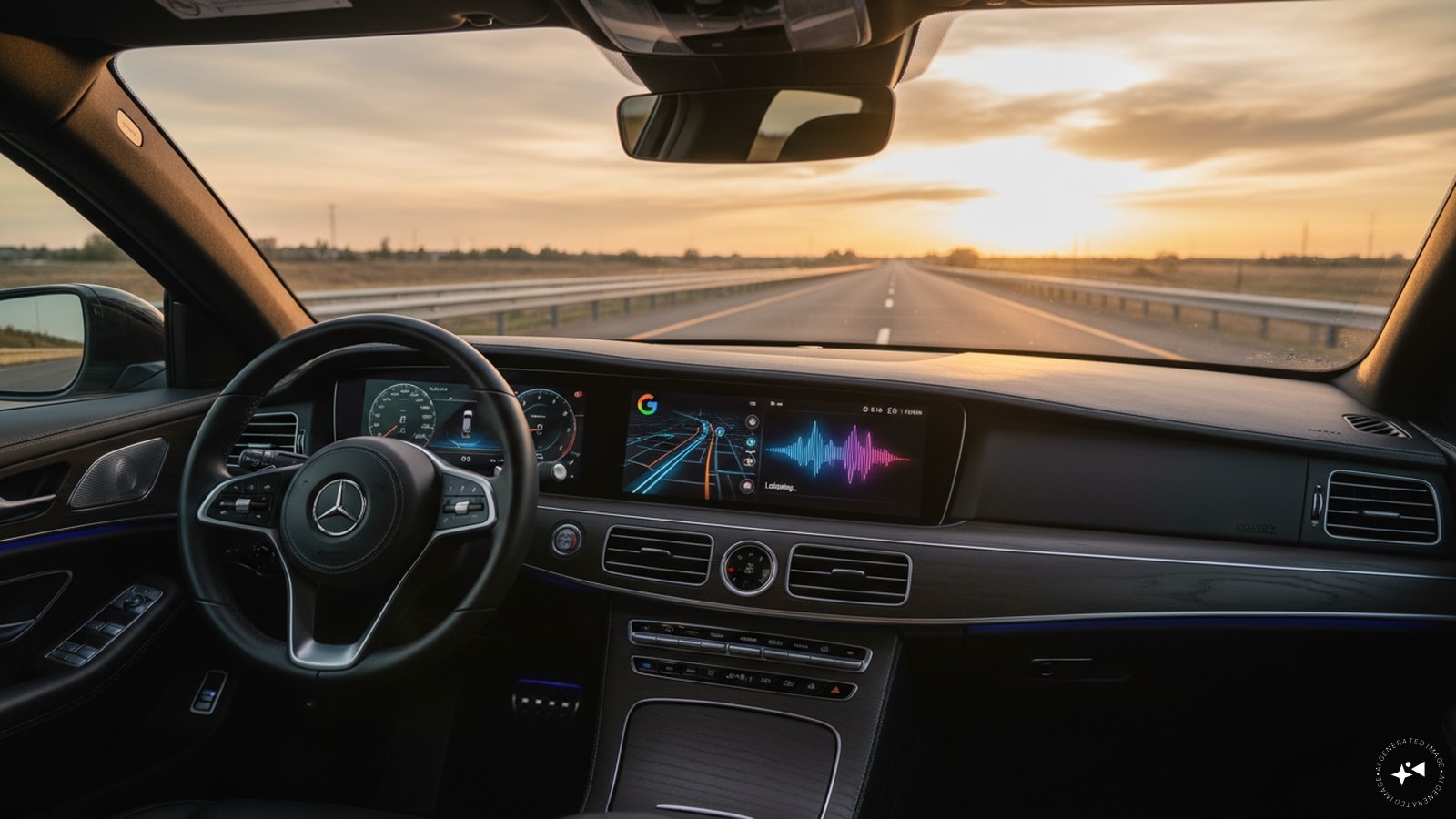
You can finally run Google Gemini directly on Apple CarPlay. For years, iPhone users stuck in vehicles without native Android Automotive operating systems had to rely on Siri or basic Google Maps integrations if they wanted any form of voice assistance. Google's rollout of the standalone Gemini app onto CarPlay changes that dynamic completely, bringing Gemini Live straight to the dashboard screen of millions of cars.
If you have spent any time trying to multitask behind the wheel using traditional voice commands, you know how frustrating rigid phrase matching can be. Say the wrong word, and the system fails. Gemini changes the interaction model entirely by introducing free-flowing, conversational dialogue to your daily commute.
How Gemini on CarPlay Actually Works
Google started rolling out the app globally, meaning it should land on your iPhone and your car's display shortly if it hasn't already. Unlike the previous limitation where Gemini lived exclusively inside the Google Maps interface on iOS, this is a dedicated application tile sitting right on your CarPlay dashboard.
Getting it running takes a few specific steps. You need to update your iPhone's Gemini app to the latest version, ensure microphone permissions are active, and have launched Gemini Live at least once on your phone before plugging into the car. Once those boxes are checked, a tap on the Gemini icon on your CarPlay home screen or side rail opens up the interface.
You are greeted by a minimal screen featuring a waveform that pulses when the assistant is listening, thinking, or responding, accompanied by straightforward end and mute options.
Why Conversational AI Fits the Car Better Than Static Commands
Most in-car voice tech suffers from a lack of context. If you ask a traditional assistant for directions and then try to modify the request halfway through a sentence, the system breaks down. Gemini Live allows for interruptions. You can cut in mid-answer to add a detail, shift topics entirely, or pause when navigating a tricky highway exit without losing your place.
This natural pacing makes it genuinely useful for tasks you would normally wait until you parked to handle. You can ask Gemini to summarize unread emails from your Gmail inbox, catch you up on a long thread, or talk through your schedule for the day while you drive.
Because the system ties into Google Workspace tools, you can use your commute to prep for an upcoming meeting. You can rehearse talking points or have Gemini play the role of a skeptical manager while you drive to the office. Every chat syncs automatically back to your iPhone, meaning your notes and brainstorms are waiting in your chat history the second you park.
The Limitations You Need to Know
Despite the hype, Gemini on CarPlay is not a complete replacement for your phone or native car controls. Google kept the scope relatively focused. You cannot use Gemini to adjust your car's air conditioning, change your music playback sources, or manage unrelated third-party CarPlay apps.
It acts strictly as an intelligence and conversation layer. If you want to change your playlist or crank up the cabin temperature, you still have to rely on physical buttons, Siri, or your car's native infotainment layout.
Furthermore, competition on CarPlay is fierce. OpenAI's ChatGPT, Anthropic's Claude, Microsoft's Copilot, Perplexity, and X's Grok have already established footholds on Apple's platform. Google was actually one of the last major AI heavyweights to release a standalone CarPlay app, lagging behind rivals despite owning Android Auto. Apple's own Siri ecosystem has also evolved with deeper AI capabilities under iOS 27, giving iPhone owners plenty of choices for how they want their dashboard to behave.
What to Do Next
If you want to test the new integration, open your iPhone right now and verify your Gemini app is updated to the latest version. Run a quick Gemini Live session while sitting at home to clear any initial prompt screens, then connect your phone to your vehicle. Tap the icon on your dashboard, ask it to summarize your morning inbox, and see if conversational driving assistants finally live up to the promise.